If there's one thing you feel most acutely once you start building out a smart home full of IoT devices, it's network stability. At my old place, one main router couldn't cover the whole apartment, so I ran a wireless mesh setup, but being wireless it came with speed drops and occasional flaky connections.
Moving into the new apartment, I decided to use the junction box to build a proper wired mesh setup instead.
Failing to remove the ISP router, settling for hub mode
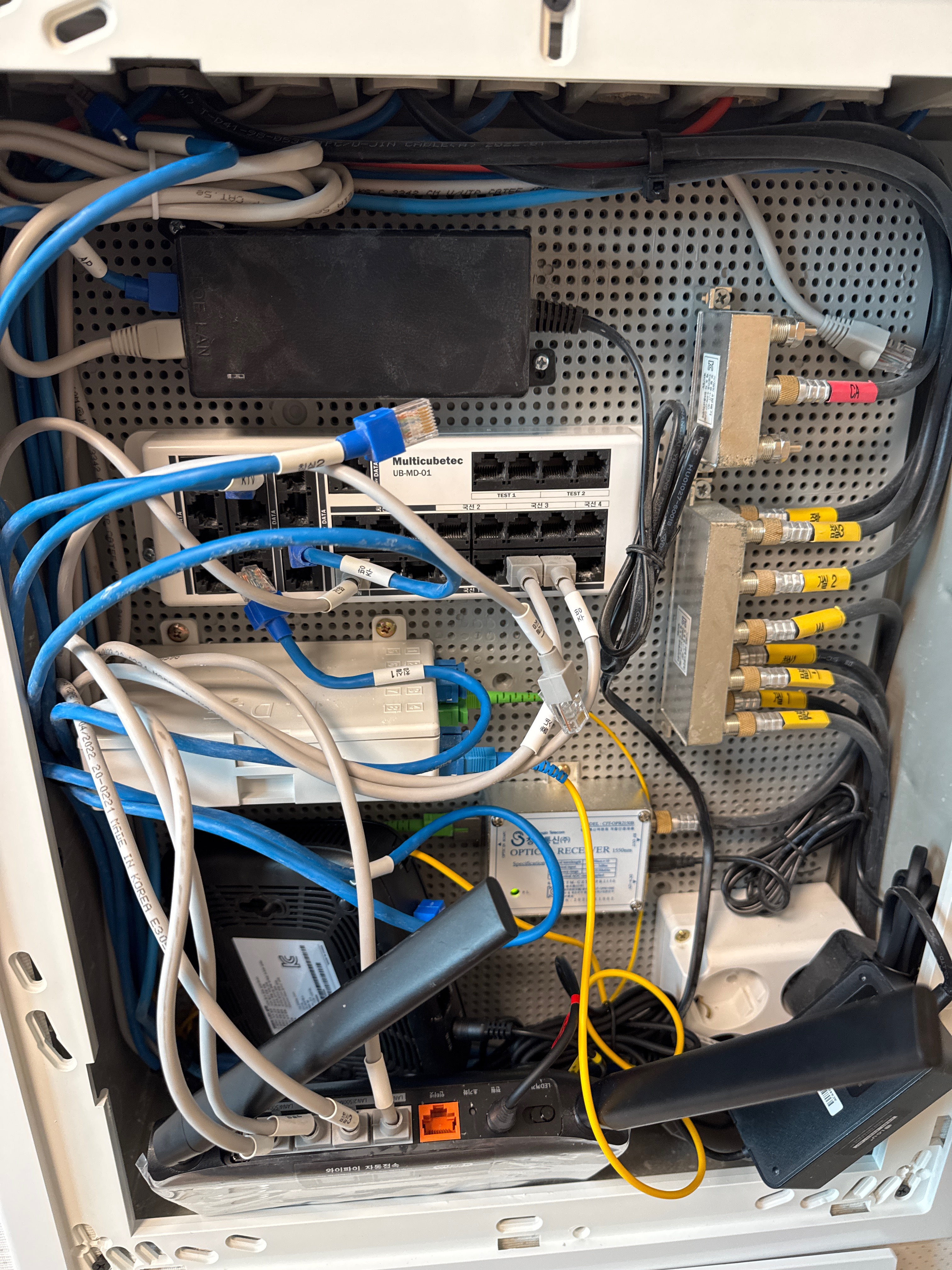
The first goal was to pull the ISP's stock router out entirely and just run the modem and my own main router. So I opened the junction box near the entryway, pulled the ISP router out, and tried plugging the wall LAN lines straight into the patch panel inside. No matter what I connected, though, no signal reached any of the rooms. It turned out that patch panel wasn't a switch hub distributing the signal, just a plain connection block.
So I needed an actual switch hub inside the junction box, and since I didn't have a spare one on hand, I put the ISP router I'd just pulled back in, switched into hub (bridge) mode, as a stand-in. The chain ends up being: modem → main router in the living room → back out through a wall port → ISP router in the junction box (hub mode) → distributed out to each room.
Finding ports without a cable tester
Figuring out which wall port in each room matched which line in the junction box was its own project. I didn't have a cable tester, so I used a spare router instead.
The method was: plug the router into a wall port in a room, then walk over to the junction box and check which numbered port lit up. Room by room.
The Living Room 2 betrayal
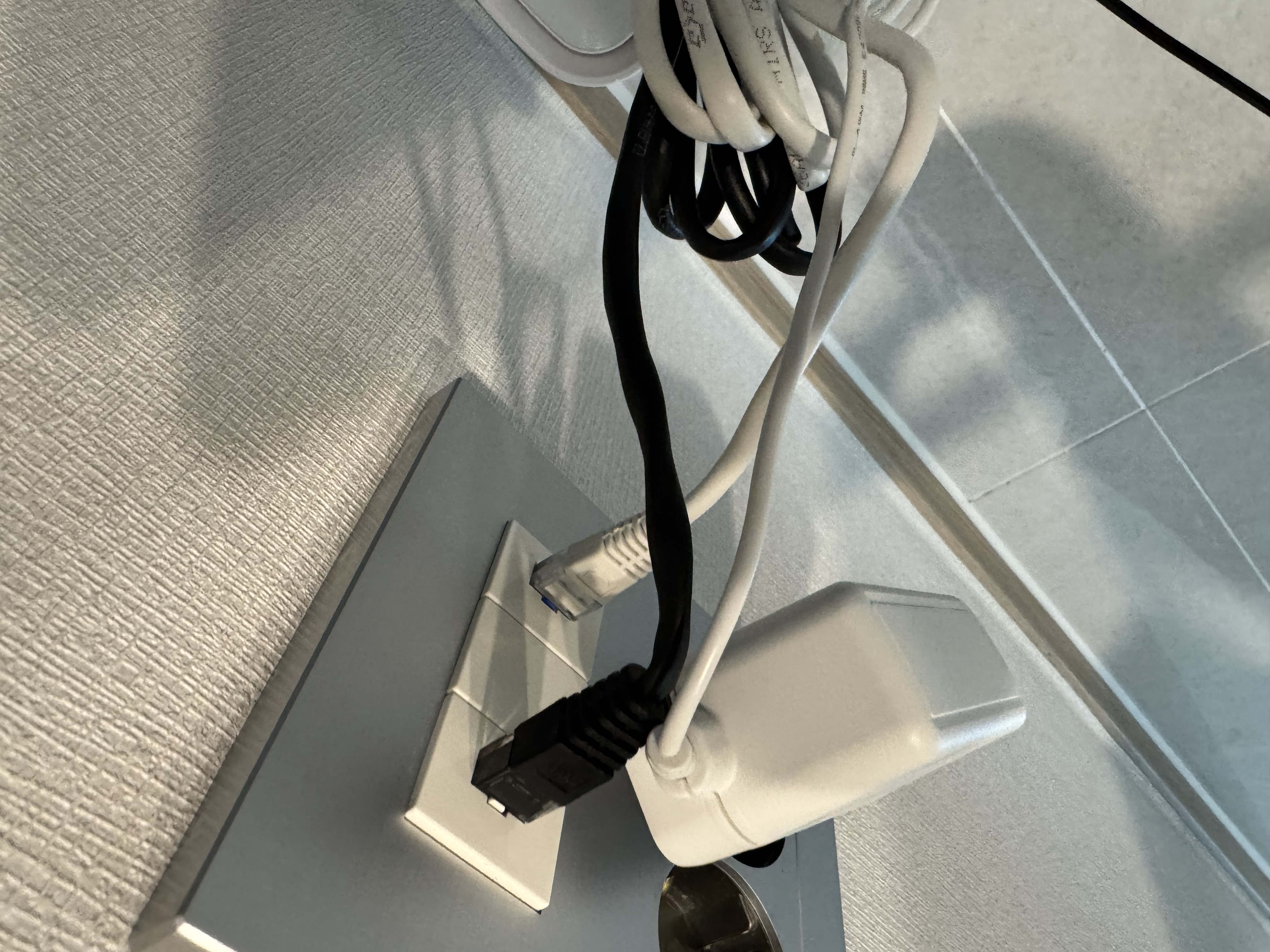
Since it's a new-build apartment, the junction box ports were at least labeled, things like "Living Room 1" and "Living Room 2." I found Living Room 1 without issue, and assumed the port under the dining table was obviously Living Room 2, so I plugged in the gray/blue line labeled that way.
No matter what I checked, though, the port under the table never lit up. It turned out that port wasn't the living room at all, it was Kitchen lines 1 and 2. The real Living Room 2 port was on the opposite wall, near the couch. Once I found the line labeled "Kitchen" in the junction box and plugged that in instead, the port under the table finally lit up.
Installing Mesh nodes in each room
Once I'd tracked down the correct line for every room this way, I wired a sub-router (mesh node) into each one to eliminate dead zones.
Results
After finishing the wired mesh setup, I walked around the apartment with my phone to check it. Moving from room to room, Wi-Fi hands off smoothly to whichever router is closest (roaming), with no drops or slowdowns. All the smart home devices stay connected too, none of them fall offline. If you have live LAN ports in your walls, I'd recommend wired mesh over wireless.