I already got this Atomy air purifier (AAP-KR19W) running locally on Home Assistant and replaced its dust sensor in earlier posts, and it's been running well since. This time the filters were due for a change, so here's that.
The two-filter-set design
The best thing about this purifier is its oversized filter system: a black deodorizing filter and a white non-woven filter stacked together. Since it's a large unit, filters go in both the top and bottom, so a full replacement means buying two of these stacked sets.
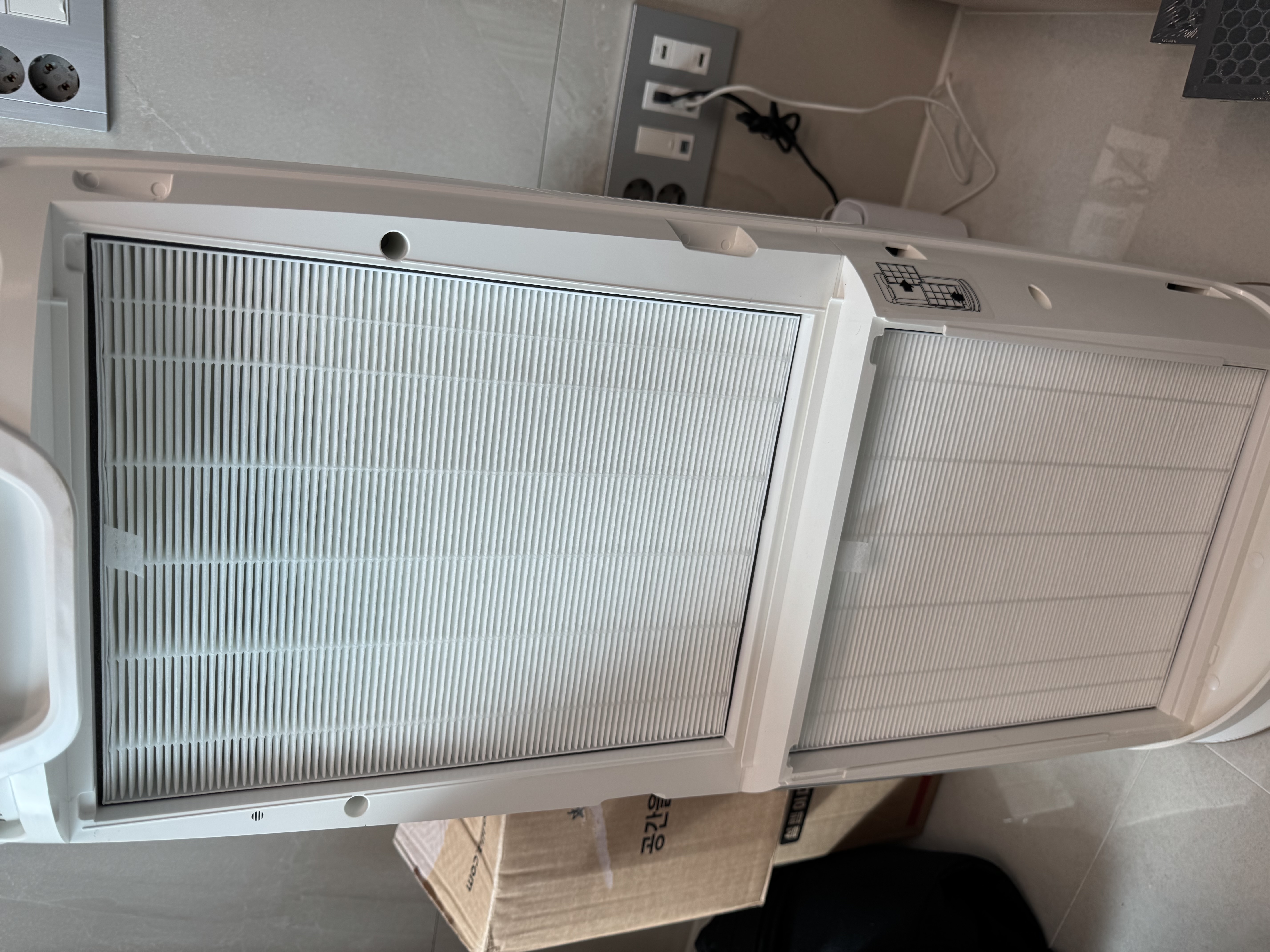
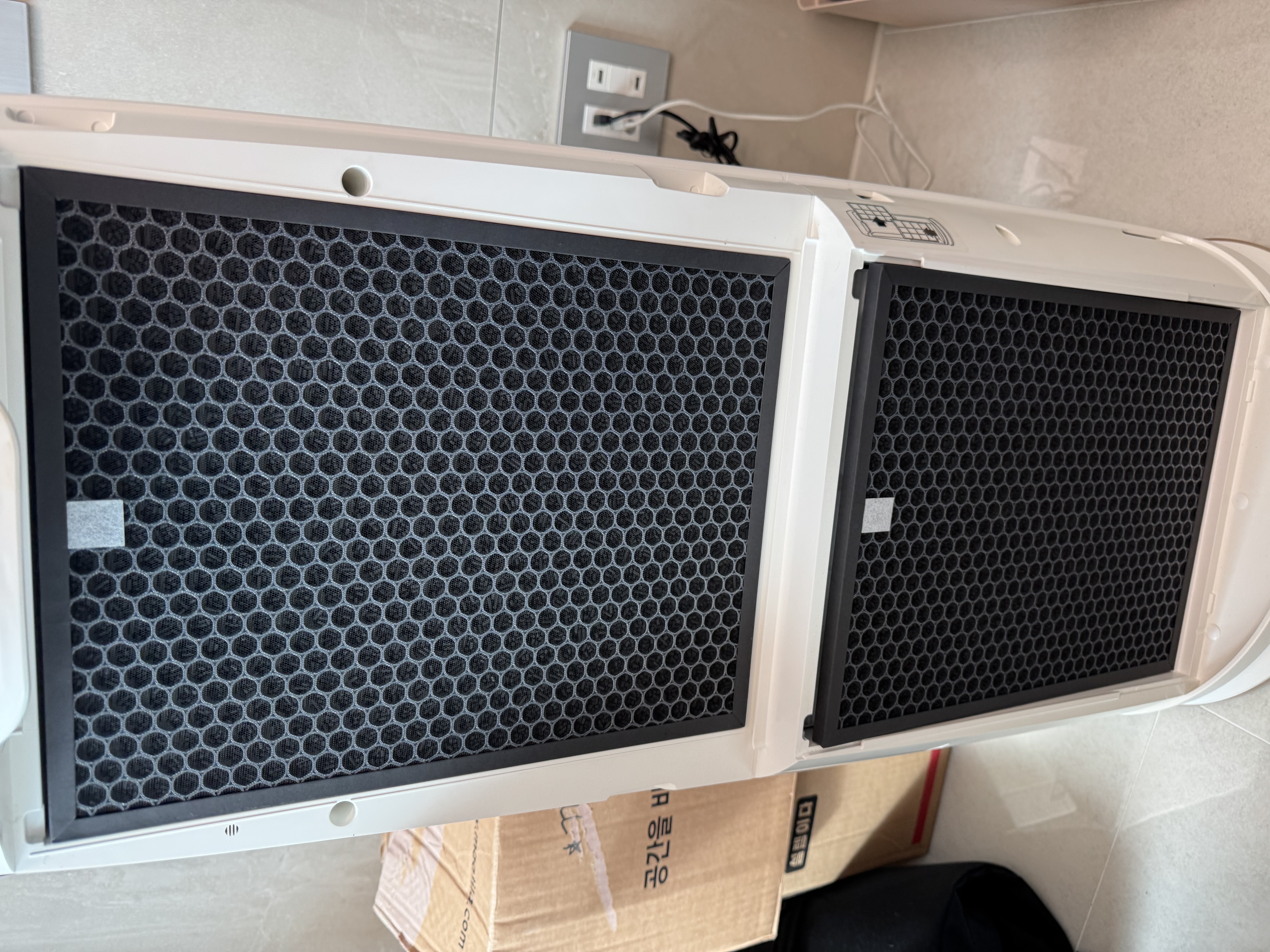
Replacing the filters just means popping open the front cover, nothing more involved than that.
- Grip the gap at the top of the front cover and pull it off.
- Pull out the old, dust-caked filters (black + white, top and bottom) and bag them for disposal.
- Unwrap the new filter sets and push them into place.
- Close the cover and power it back on.
There are compatible third-party filters on the market too, but in my experience they weren't much cheaper than the genuine ones and didn't fit quite as snugly. If the price difference is small, I'd just go with the genuine filter.
After the swap, the air coming out definitely smells fresher. With thick filters top and bottom, it feels like it should handle both dust and odor well.